> For the complete documentation index, see [llms.txt](https://docs.primestaking.xyz/llms.txt). Markdown versions of documentation pages are available by appending `.md` to page URLs; this page is available as [Markdown](https://docs.primestaking.xyz/products/xdc-liquid-staking/staking-guide/how-to-stake-usdxdc.md).
# How to Stake XDC
### Prerequisites
* An XDC-compatible wallet (e.g., MetaMask configured for XDC Network).
* XDC tokens in your wallet.
***
### Step 1 - Connect Your Wallet
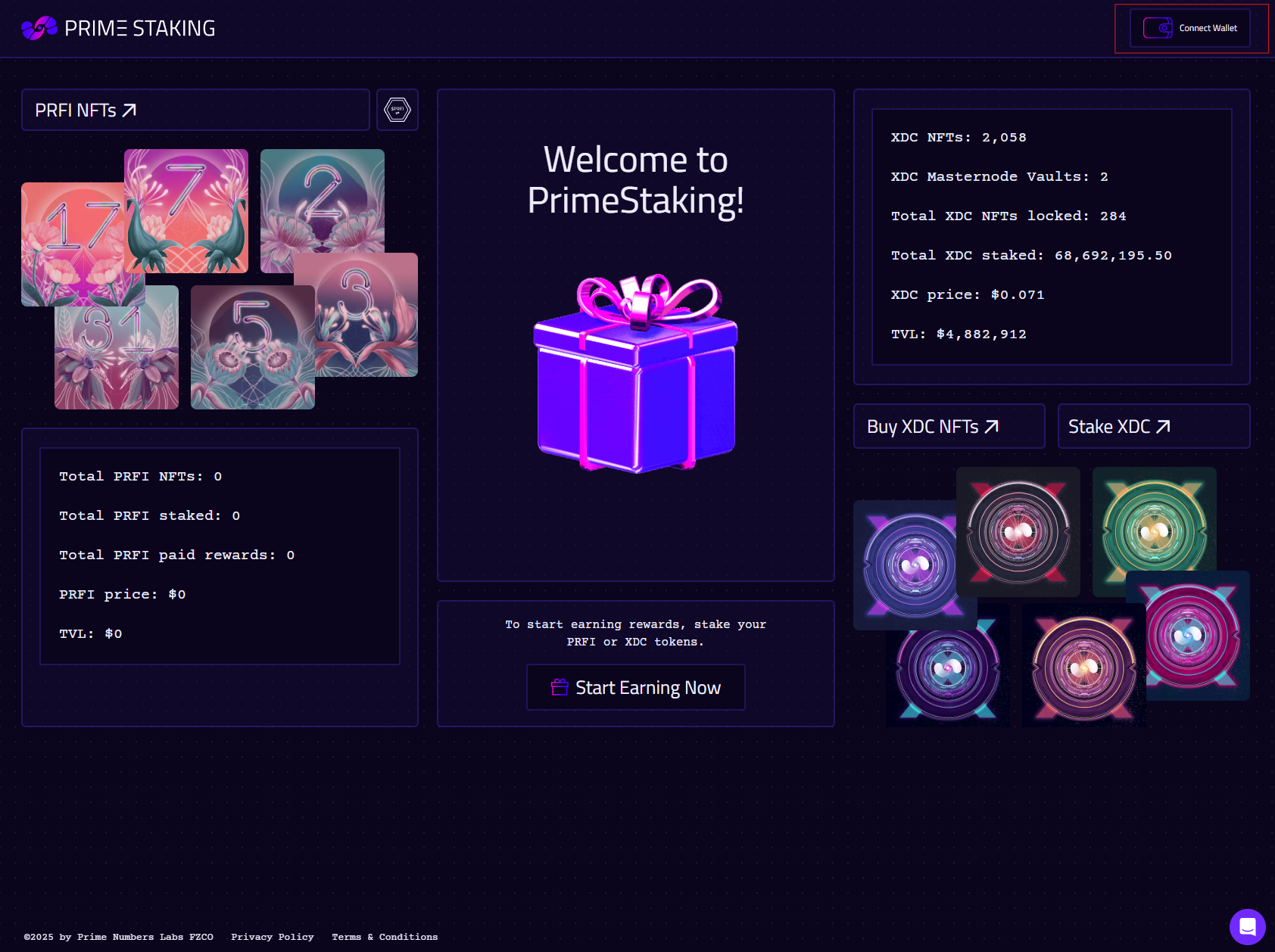
Go to [primestaking.xyz](https://primestaking.xyz) and click **Connect Wallet**. Approve the connection in your wallet.
***
### Step 2 - Navigate to XDC Liquid Staking
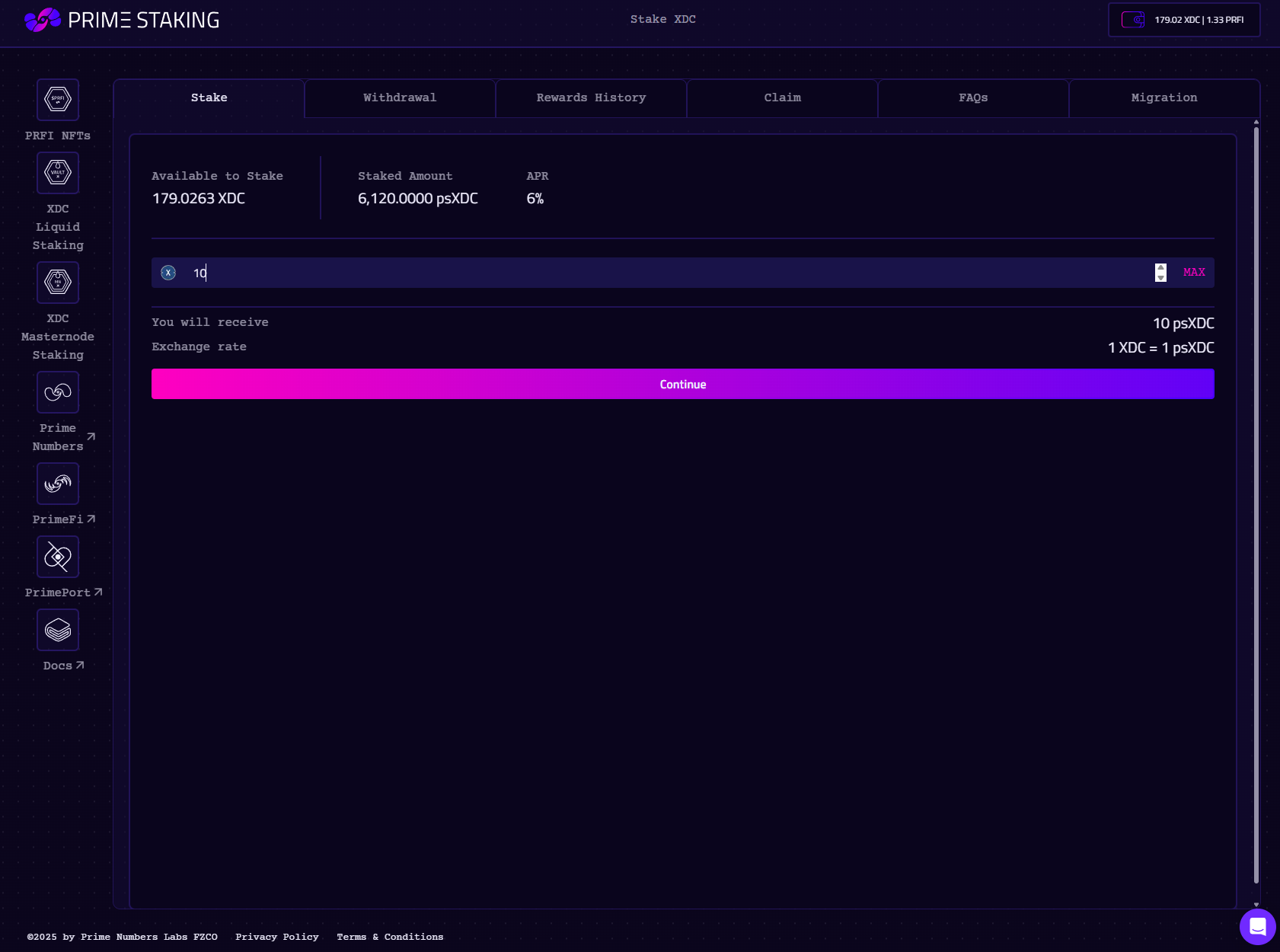
Open [primestaking.xyz/xdc-liquid-staking](https://primestaking.xyz/xdc-liquid-staking/overview) and enter the amount of XDC you want to stake. The app previews how many psXDC shares you will receive at the current exchange rate. This is **not** a fixed 1:1; once the vault has accrued rewards, each share is worth more than 1 XDC.
***
### Step 3 - Confirm the Transaction
Review the previewed share amount and click **Stake**. The app calls `stake()` on the V3 vault with your XDC as `msg.value`. Confirm the on-chain transaction in your wallet.
***
### Step 4 - Receive psXDC Shares
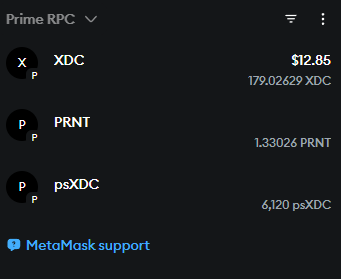
Once confirmed, psXDC shares are minted to your wallet at the live exchange rate. From this moment your shares are appreciating: rewards accrue automatically through the share price, with no claim button to press.
You can now hold psXDC, transfer it, trade it on a DEX, use it as DeFi collateral, or deposit it into an [XDC NFT](/products/xdc-staking-nfts.md) for the additional boost slice.
***
### Adding psXDC to Your Wallet
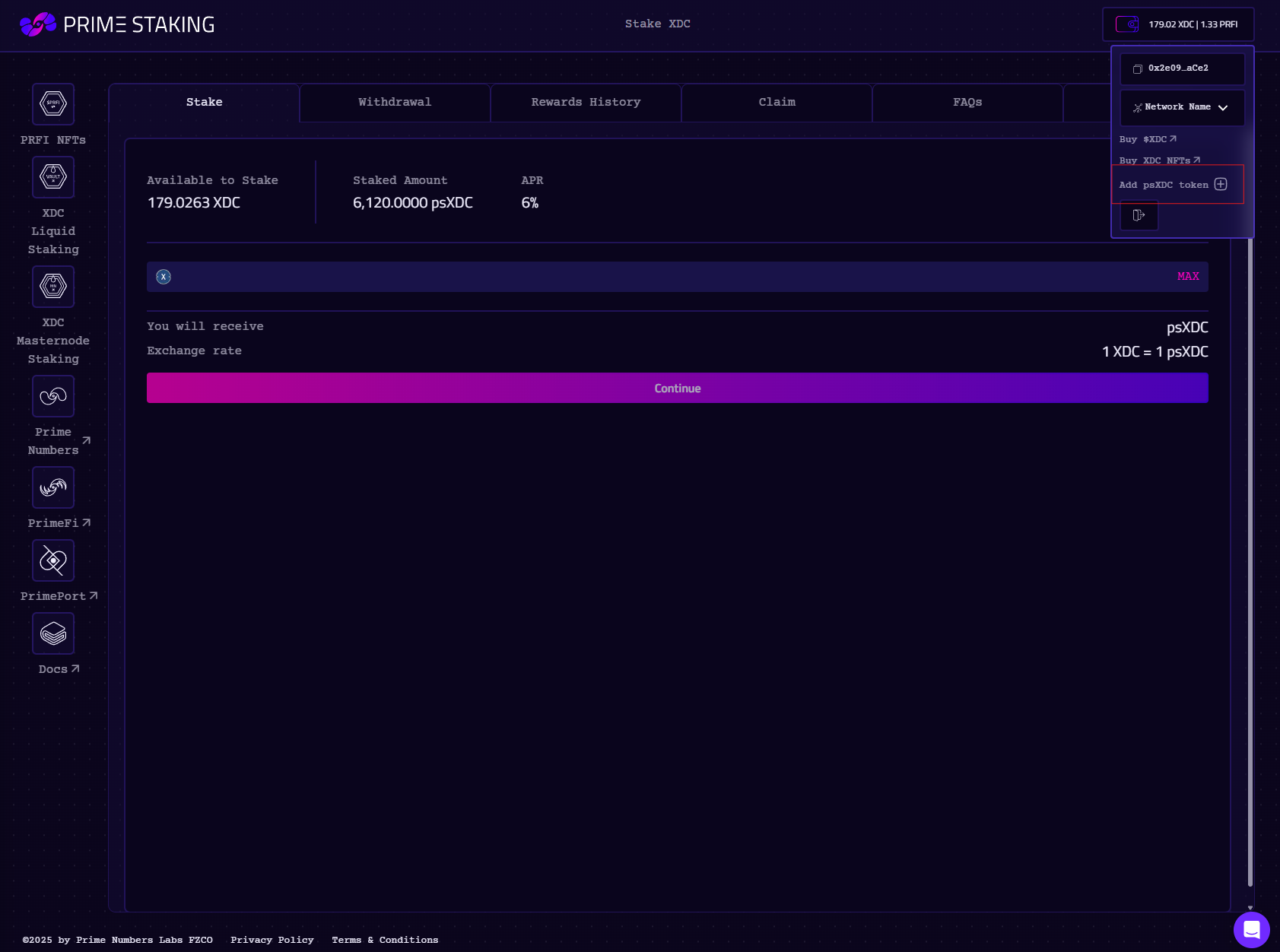
If psXDC doesn't appear in your wallet automatically, click the **Add psXDC Token** button in the app.
Alternatively, add it manually as a custom token:
**Contract address (V3):** [`0xDc74c0DaED82ae94486DeeF22991d2F54173c734`](https://xdcscan.com/address/0xDc74c0DaED82ae94486DeeF22991d2F54173c734)
> Note: the **V2** psXDC token address (`0x9B8e12b0BAC165B86967E771d98B520Ec3F665A6`) is different. If you stake fresh XDC you will receive V3 shares only. If you still hold V2 tokens, see [Migrate V2 psXDC → V3](/products/xdc-liquid-staking/staking-guide/migration.md).